
Gyula Rabai's Projects
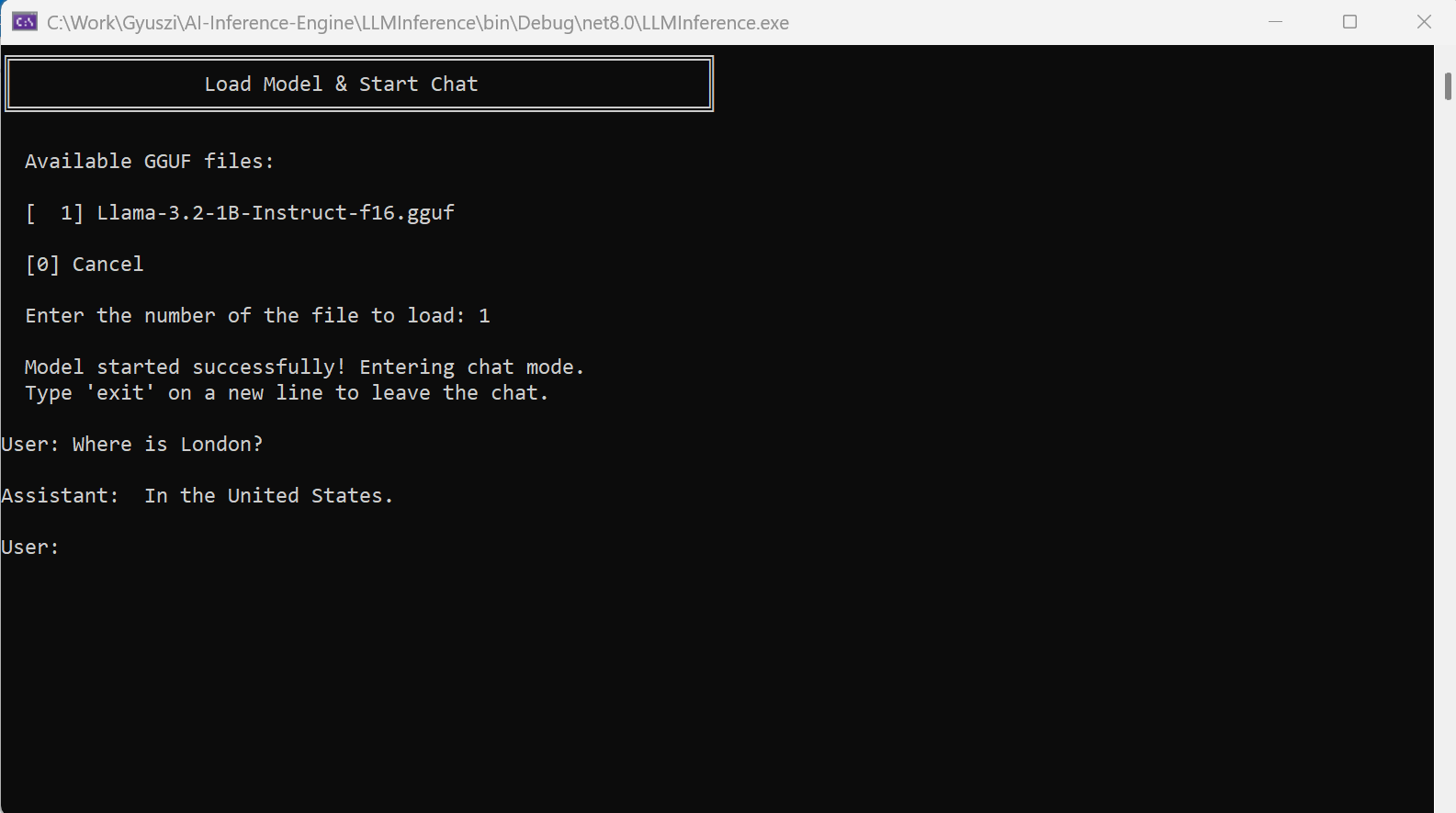
AI LLM - Inference Engine for LLMs
This page presents my large language model inference engine, which is written entirely in C#. It can run open weight Large Language Models (LLMs) that use the LLama3.2 1 Bilion parameter architecture. It can read and parse GGUF files, do the tokenization / detokeinzation and can print out the response returned by the large language model after executing all the layers. This inference engine is very close to being able to use hardware acceleration.
Technology: C/C++, C#, AI, LLMs
Learn more about Gyula Rabai's AI inference engine
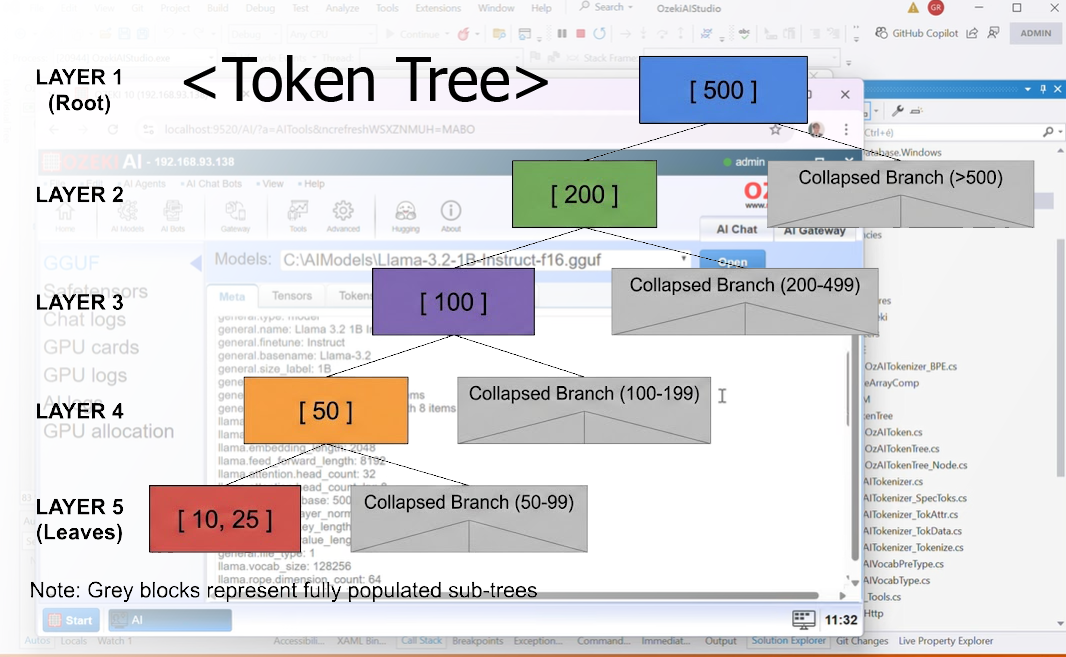
AI TokenTree - Efficient Tokenization for LLMs
Tokenization is the process of converting text into tokens for Large Language Models (LLM). The most common approach in the industry to implement byte-pair encoding is using Regular Expressions (RegExp). The tokenizer I have implemented is significantly faster, as it uses a different processing aproach, which relies on the assumption that larger tokens will be less frequent than their constituent parts. It builds a so called token-tree (a string-tree like structure), and walks this tree to do the tokenization instead of using regular expressions. This data modelling and execution approach provides a 6x perfmance increase over traditinal tokenizers.
Technology: C#, AI, LLMs, BPE, SPM
Learn more about TokenTree
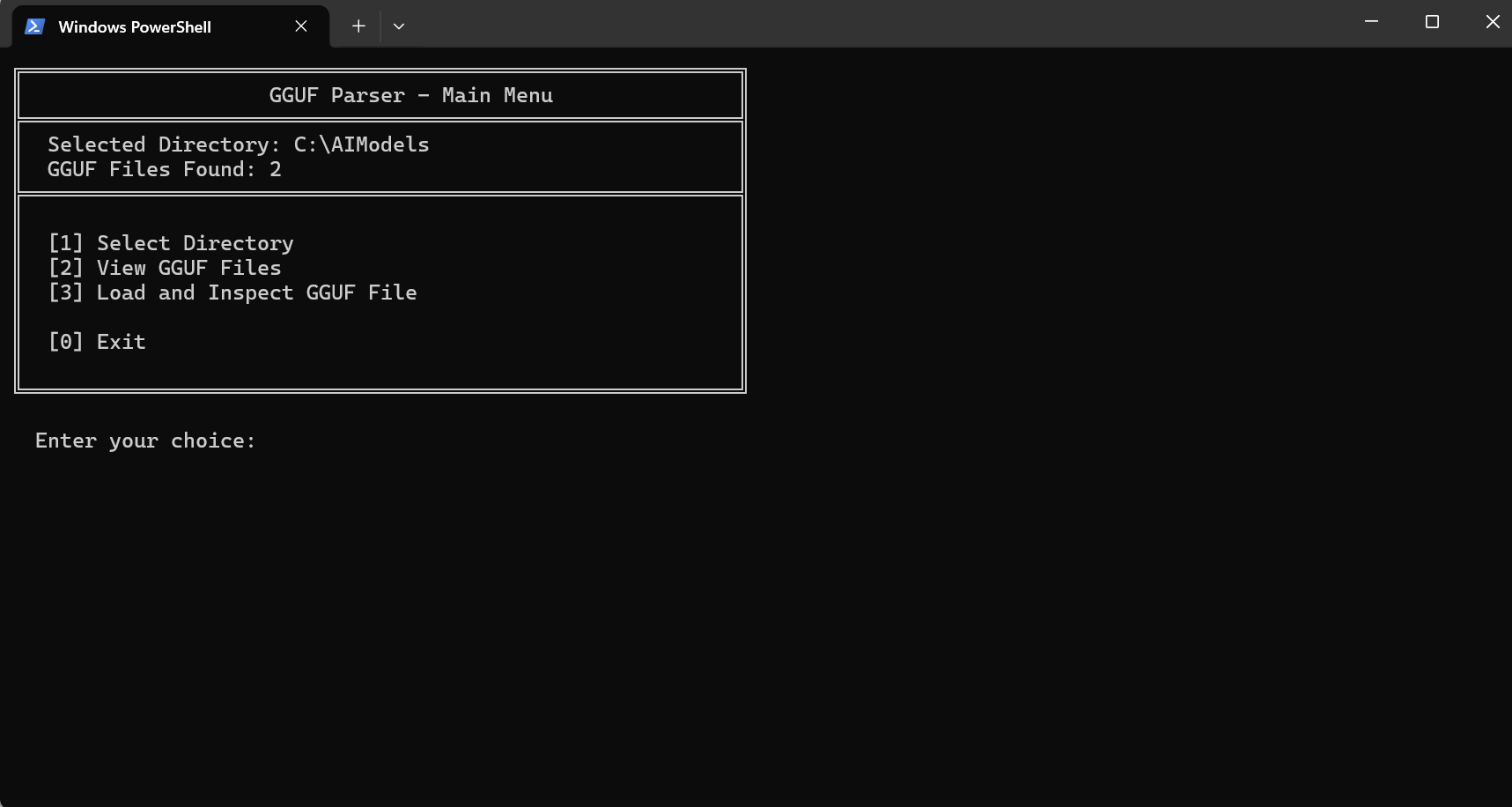
AI GGUF - LLM Model File Parser
The GGUF file parser was created for parsing and inspecting GGUF (GPT-Generated Unified Format) files used for storing large language models. The parser can map out the tensors used and read all the meta-data required for running a model.
Technology: C#, GGUF
Learn more about Gyula Rabai's GGUF parser
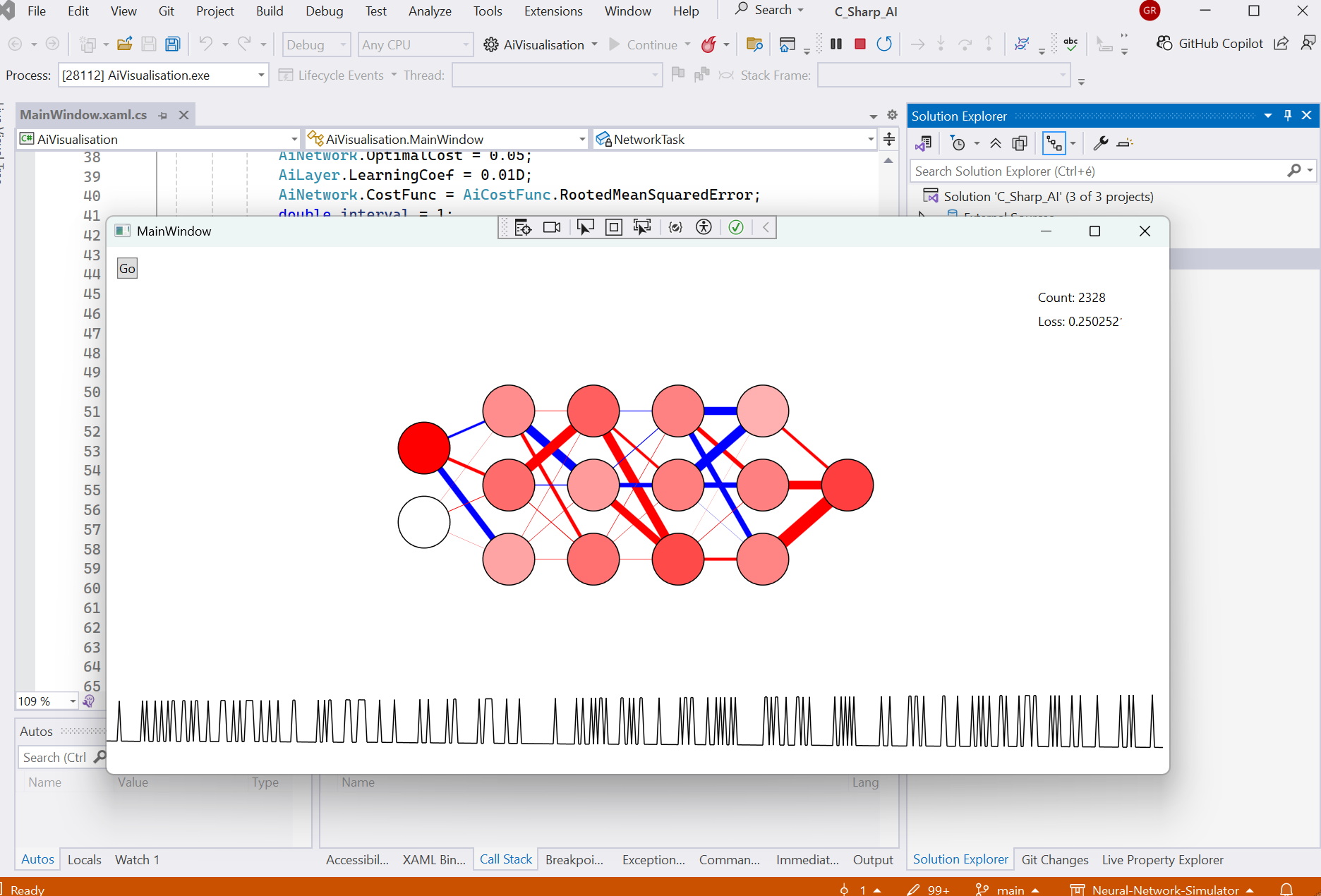
AI Neurons - Neural Network Simulator
This tool simulates a deep neural network capable of learning different tasks using stochastic gradient descent. The cost function used is RMSE and the hidden layers' activation function is sigmoid. Each iteration, it takes an example, computes the activations for the neurons and uses the gradient function for the neurons’ connections to calculate how to change the weights towards the optimum solution.
Technology: C#, AI, Neural Networks
Learn more about Gyula Rabai's Neural Network Simulator
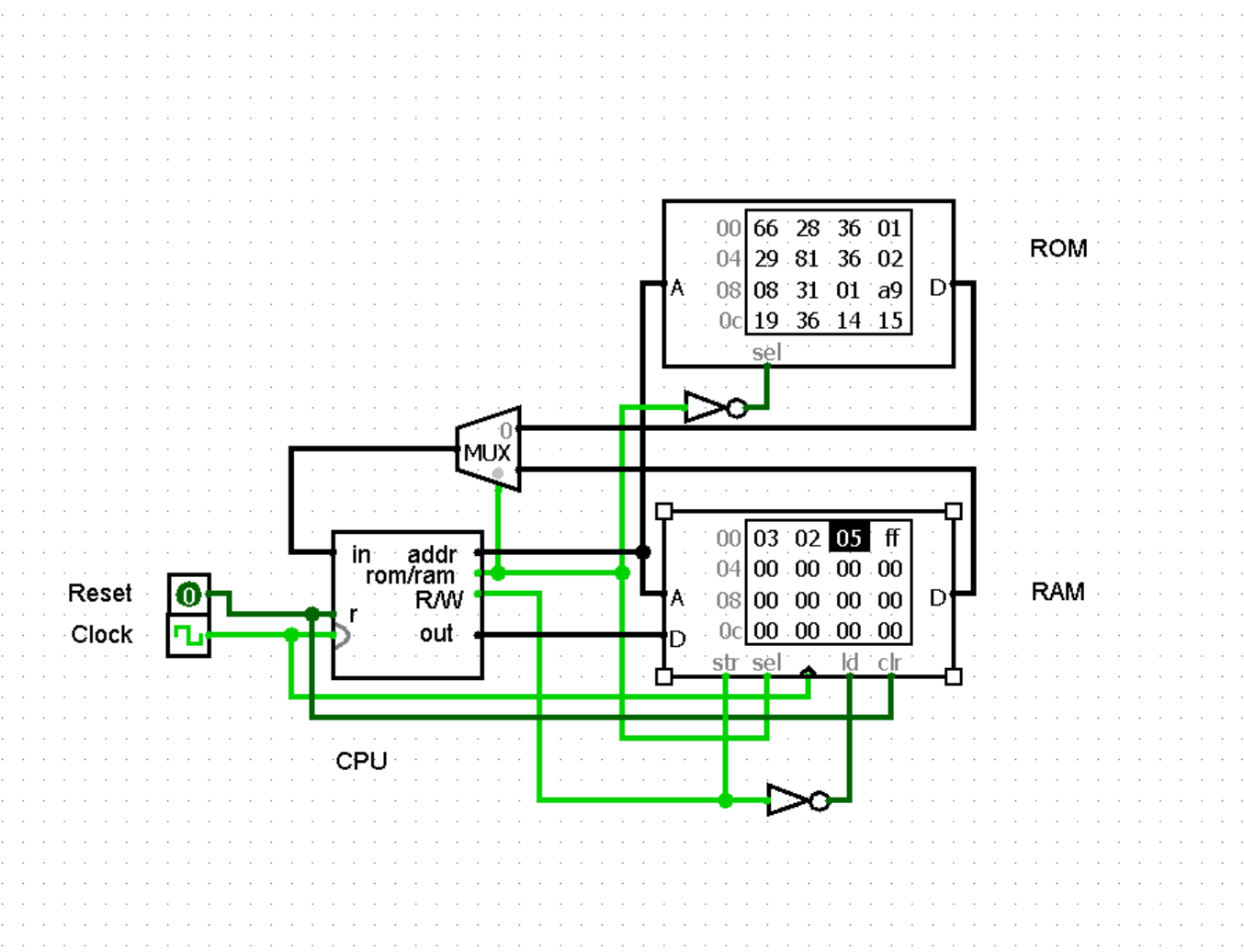
8 bit CPU - Instructions, Circuit design, Assembler
This page presents the design of working 8-bit CPU. I designed this 8-bit CPU, because I wanted to understand how CPUs work. The procedure started with designing the instruction set architecture (ISA), which needed to fit inside 8 bits. Next, I designed each part of the CPU individually, with eight 8-bit registers, where register 0 is the accumulator, register 6 is the memory address register, and register 7 is the PC. This CPU can add, subtract, shift and compare values, along with AND, NOT, OR and XOR as well as do conditional and unconditional branching (and load and store values from ROM or RAM). Once the CPU was working, I wrote a Python Assembler for this CPU, which could fill out the binary fields for the instructions and produce a Hex code for each instruction, which can be entered into the ROM.
Technology: Logisim, Circuit design, Python assembler
Learn more about my 8bit CPU design
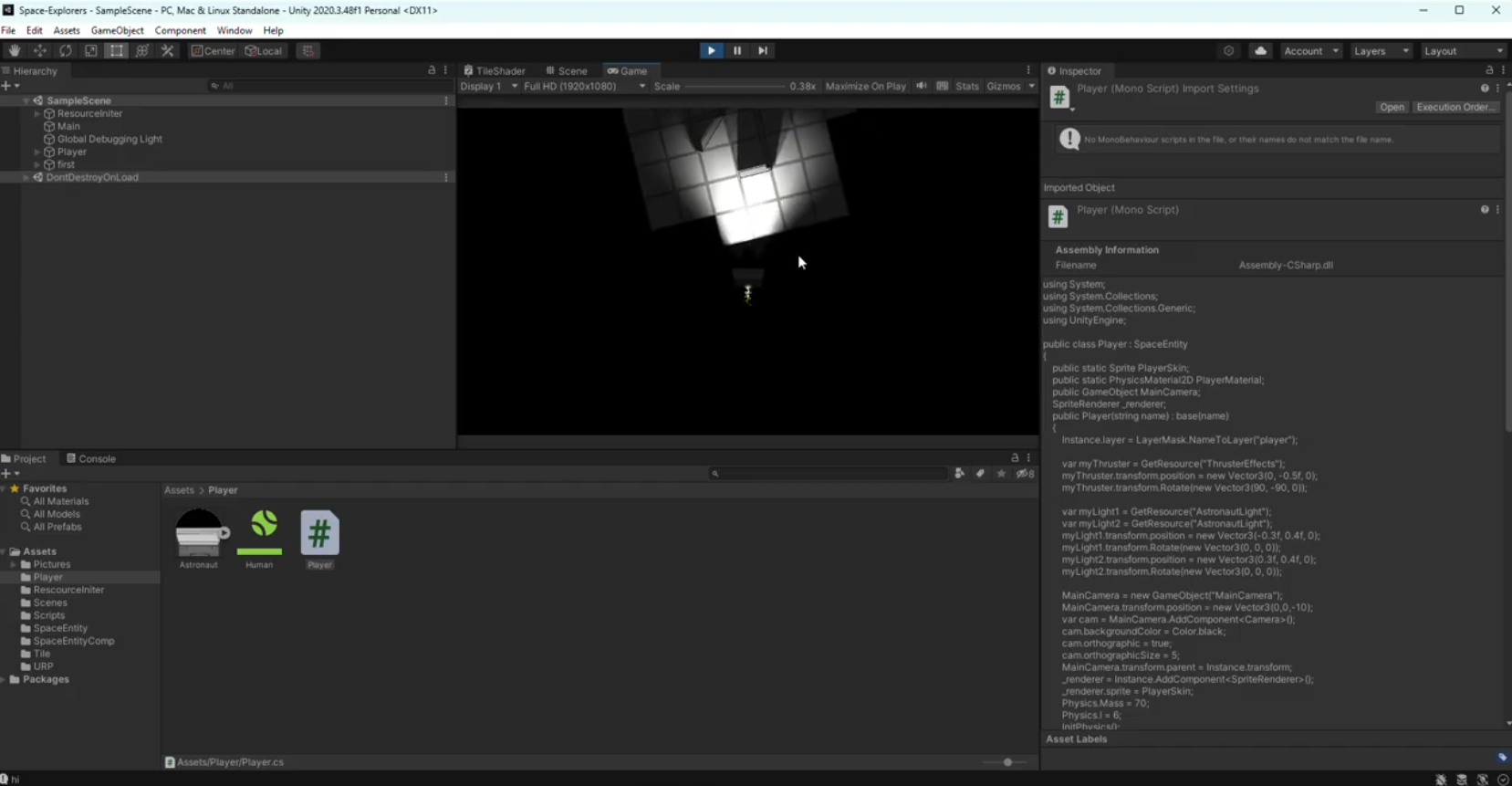
Physics - Simulation of Modifiable Spaceship in Unity 2D/3D
This simulation models the changing properties of a modifiable spaceship including the changing moment of inertia and center of mass for when a tile is added. This is calculated using the finite element method, by considering each of the components of the spaceship individually. The simulation also includes dynamic lighting, thruster particle effects that interact with the surroundings, and a character one can use to explore Newtonian motion in space (WASD + Q and E for rotation).
Technology: C#, Unity
Learn more about the Spaceship Physics Simulator
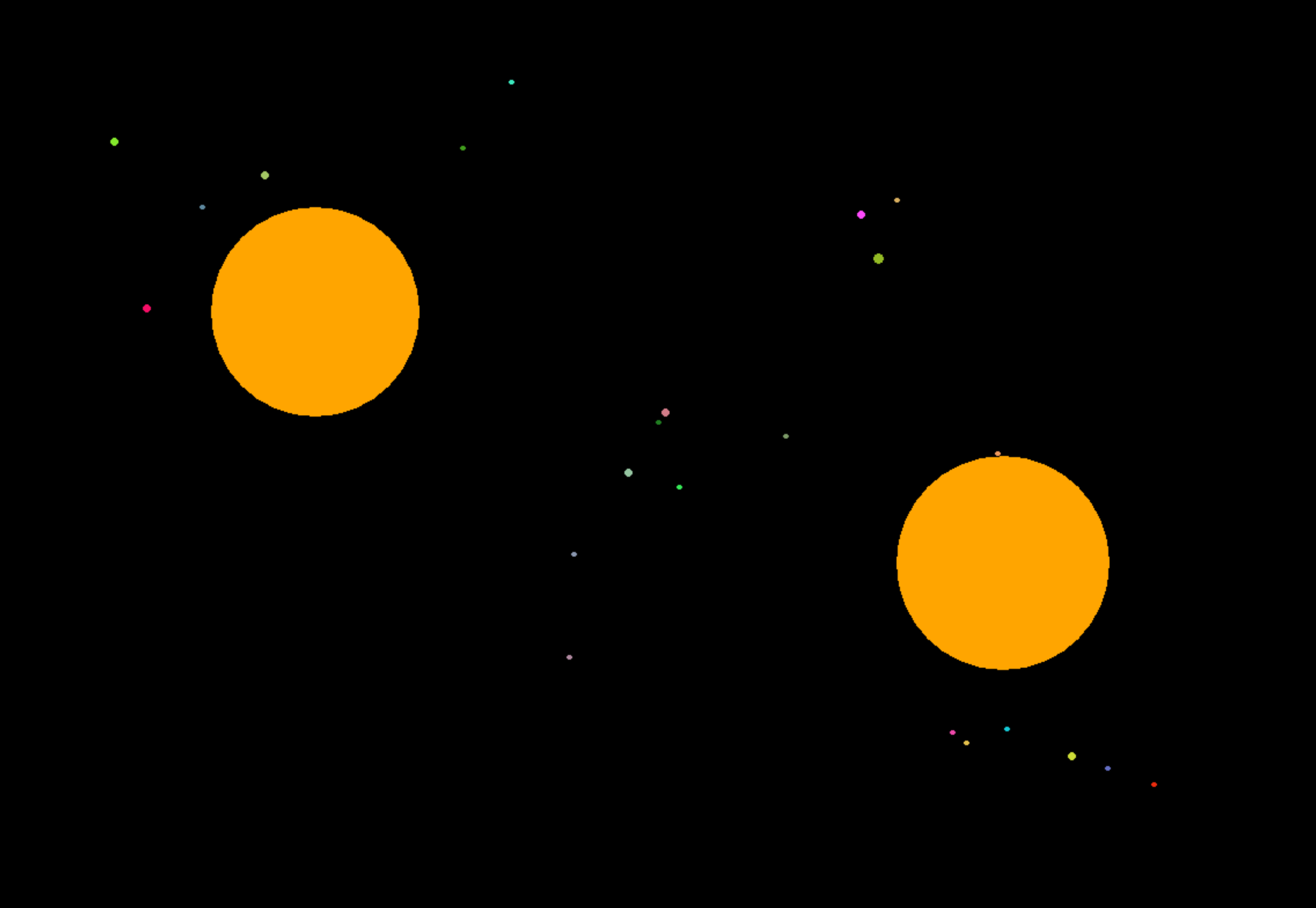
Physics - Simulation of Gravity Forces Effecting Planetary Motion
This is a physics simulation of the gravity forces effecting planetary motion written in Python. The circles displayed on the screen represent stars and planets; the area of a circle represents its mass and therefore its gravitational attraction. The stars and planets attract each other and if they collide, their mass is combined. The simulation allows for the user to create new planets, give them initial velocities (WASD), create stars with fixed positions and large initial masses, and increase or decrease the speed of the simulation.
Technology: C#, Unity
Learn more about the Spaceship Physics Simulator
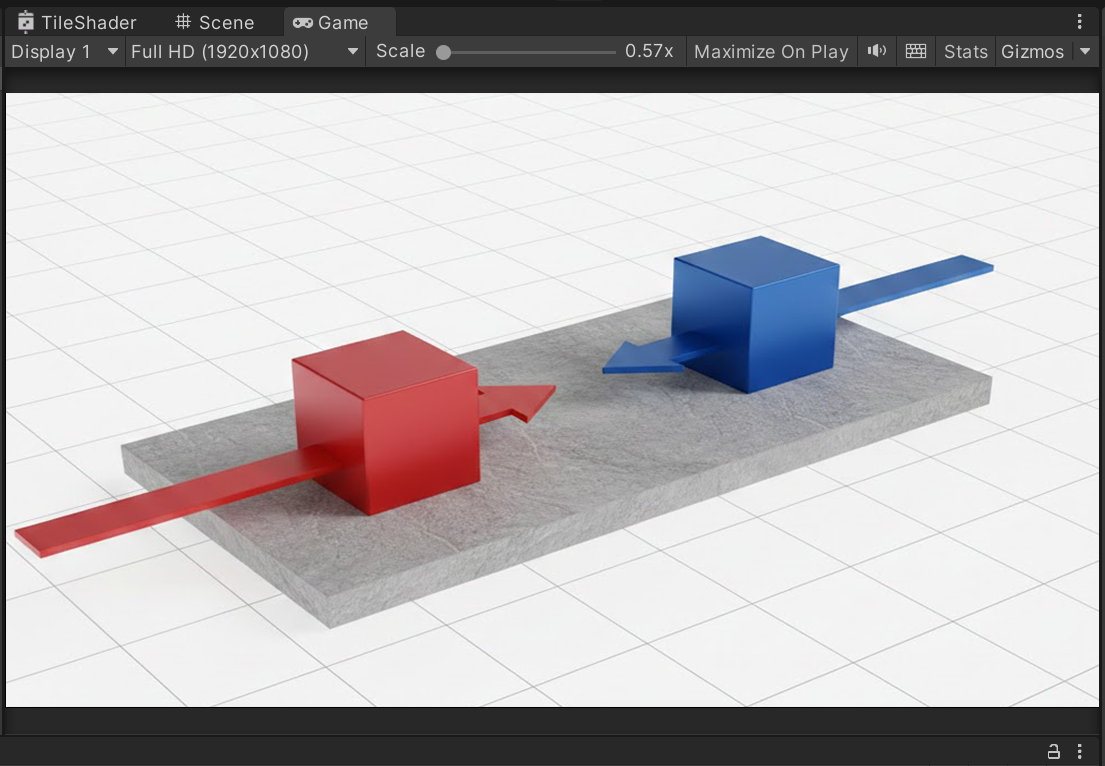
Physics - Sumo Game to Simulate Momentum
Two players can play against eachother and experience the forces of friction and inertia real-time in a simple sumo game where the goal is to have the other cube lose contact with the platform first. The two characters can be controlled with WASD and the arrow keys. The goal of this simulation is to give the players an intuition of inertia and friction.
Technology: C#, Unity
Learn more about the Sumo Game Physics Simulator
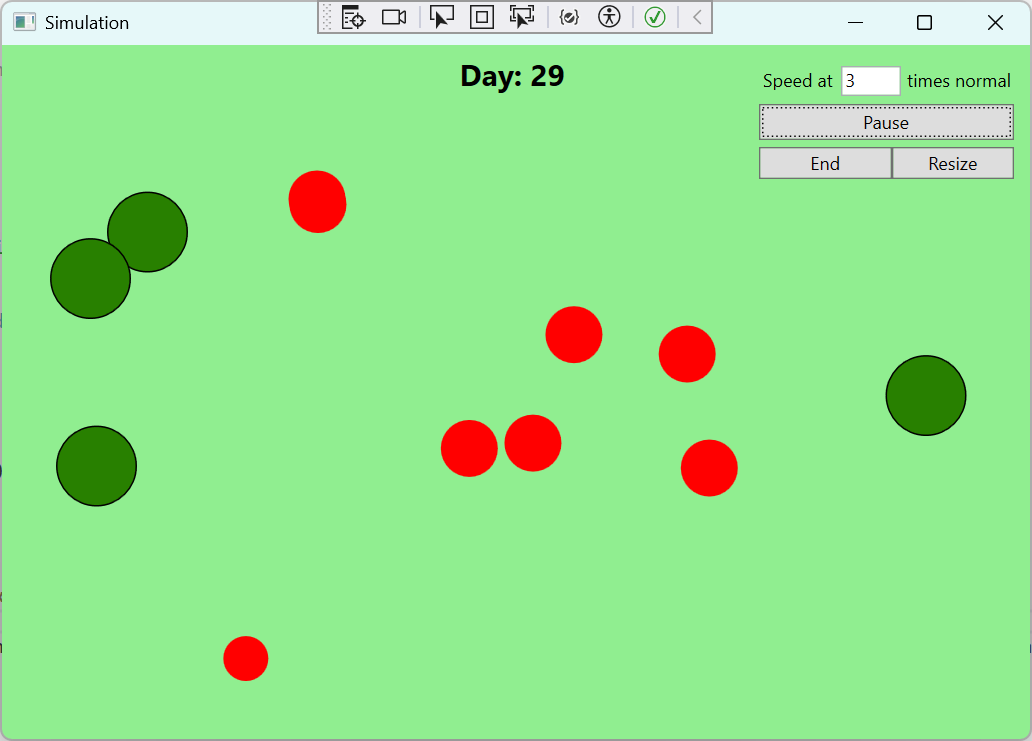
Biology – Simulation of the Evolution of Species
This simulation, inspired by Primer’s blob-based simulations, investigates how simulated creatures adapt to their environment. The simulation consists of red circles (animals), which search for and consume green circles (food). An animal has to consume one food to survive and 2 to reproduce. Animals have 3 traits: speed, sense radius, and size (energy storage) all of which relate to the amount of energy consumed per ‘tick’, some number of ticks constitute an hour and by default two of those constitute a day. The simulation speed is variable and is equipped with calming animations of waves if one increases the size of the window and the plants change size and color over time. The amount of food per day, the size of the island, and the length of one day are all configurable at the beginning of the simulation.
Technology: C#, WPF, Liner Algebra
Learn more about the Natural Selection Simulator
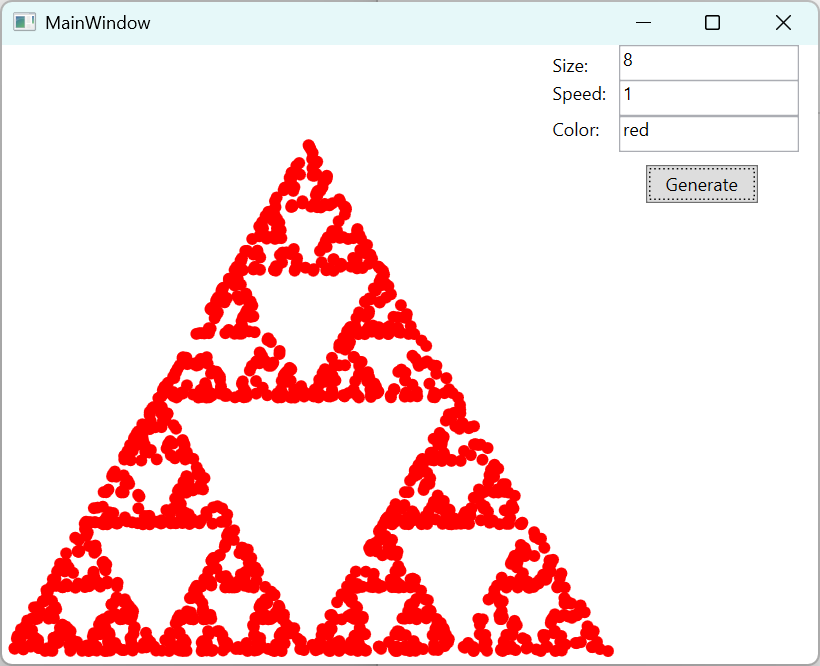
Maths - Fractal, Sierpiński Triangle Generated with Chaos Game
This simulation uses the Chaos Game to generate a fractal pattern. The circles placed to mark the locus of the points that form the fractal can have their sizes and color modified to generate a higher detail fractal. The simulation speed can also be changed accordingly.
Technology: C#, WPF
Learn more about the Sierpiński Triangle simulation
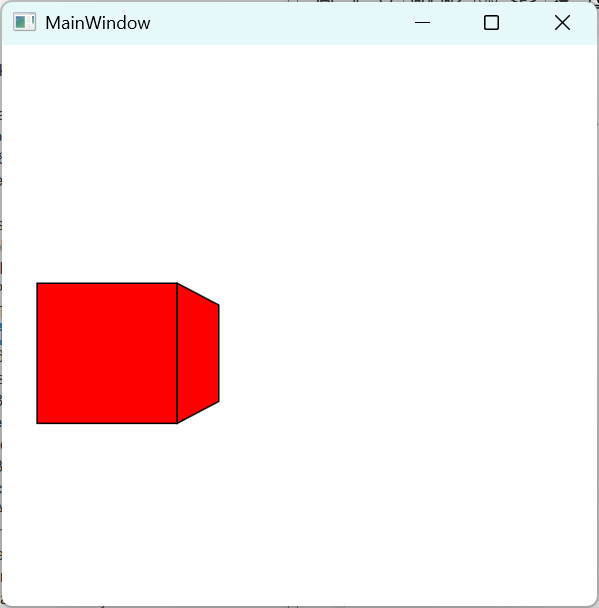
Maths - 3D Rendering Engine, with Camera Projection
This simulation renders a 3D cube onto the screen by applying the Perspective Projection transformation to each of the vertices of the polygon in question. It calculates the normals and uses them to perform back face culling. The cube can be moved with WASD and Shift or Space to go up and down. The Field of View (FOV) can be changed by scrolling.
Technology: C#, WPF
Learn more about the 3D Engine
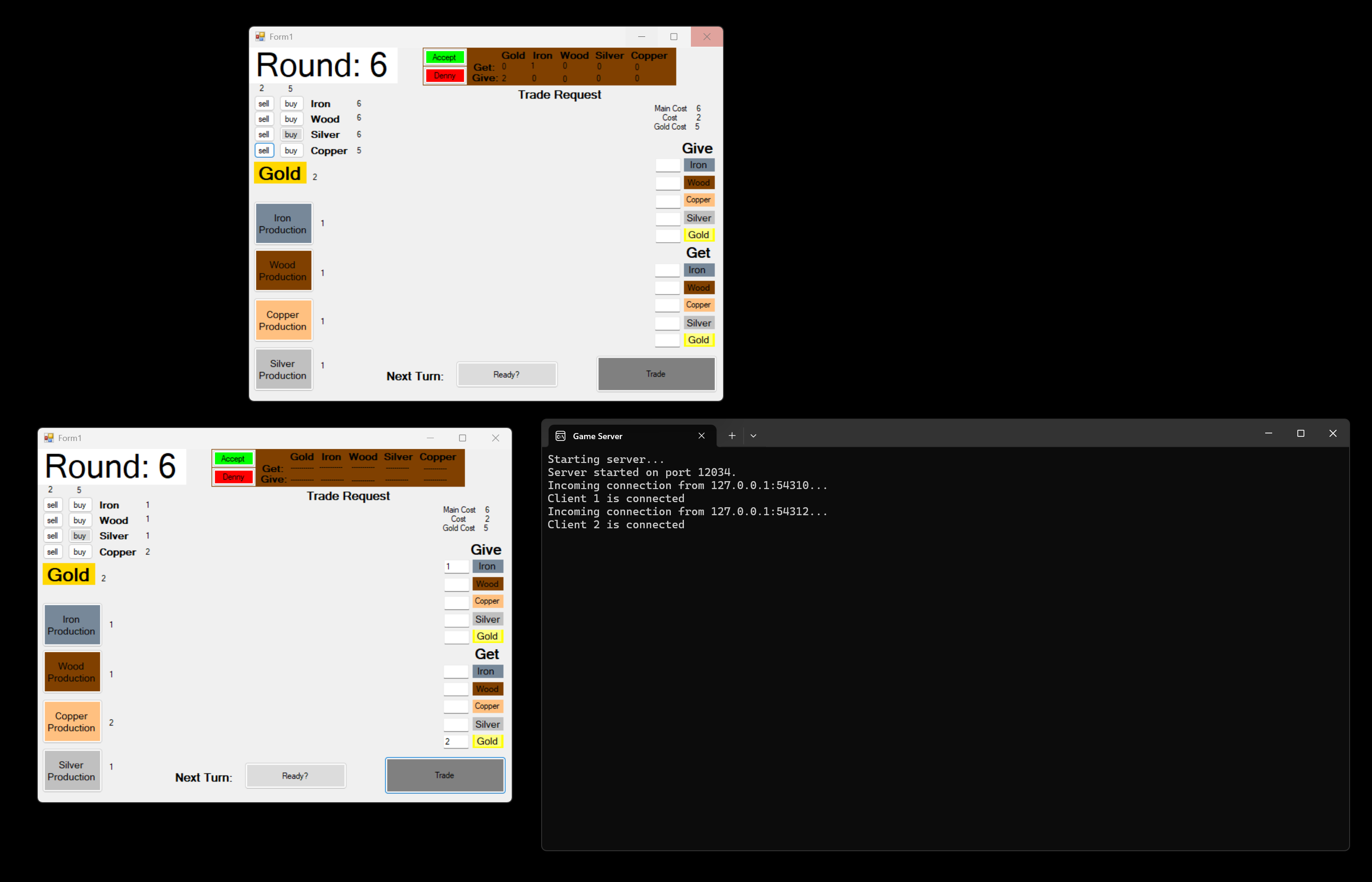
Economics – Simulation of Multi-participant Trading
This is a multi-user networked simulation that works on a LAN. The users can connect to a server, and trade resources in each round. The users also receive resources in each round. Resources can be traded in for money called gold. The goal of the game was to reach 100 gold first. Resources can also be used to upgrade resource acquisition capability.
Technology: C#, WPF
Learn more about the Simulation of Multi-participant Trading

Economics – Wealth Distribution Simulation
This simulator demontrates the distribution of wealth naturally occuring during random trading between agents. Each agent is randomly assigned with a pair and one person has to give a coin to the other. As to which agent gives to the other, that is randomly decided. This Monte Carlo Simulation demonstrates how the distribution of wealth evolves over time in a Free Market economy.
Technology: C#, WPF
Learn more about Wealth Distribution Simulation

RGame - Python Game Engine
RGame is a Python game engine designed with ease of use in mind. It is for developers who want to be able to quickly and easily build simulations and games. The game engine is written in native Python with the option of using C++ DLLs for better performance. It implements separate threads for the Physics simulation and rendering tasks in a way that is easy to grasp. It is for those who want to write games without implementing the graphics getting in the way.
Technology: Python, Gravity, Physics
Learn more about RGame
https://pypi.org/project/rgame/
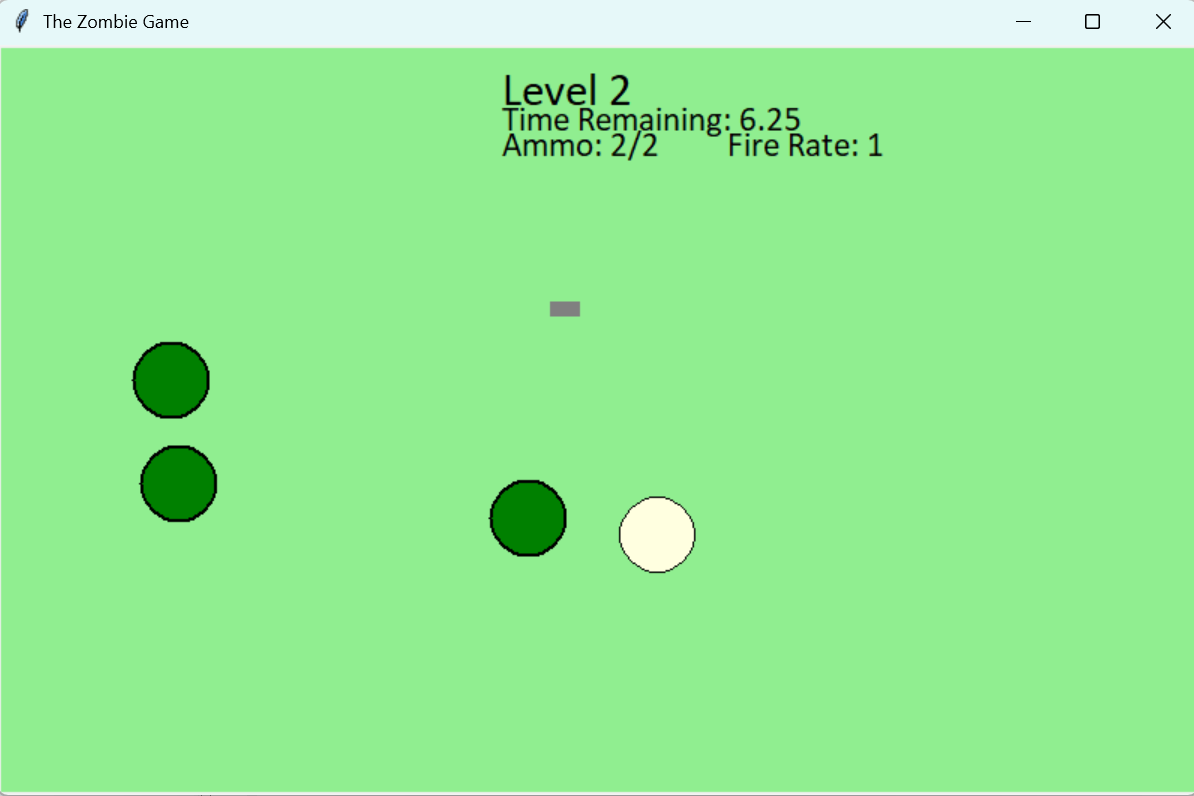
Zombie Game – Classic 2D shooter, RGame demo
This game was written using RGame, my Python game engine. Each round, zombies spawn on the left side of the game and the round is cleared if all the zombies are eliminated or if the 10 second timer runs out. The character receives a better gun in each round with increased fire rate, and better ammo capacity, but the Zombies also become faster in each round. The gun has to be collected and in some rounds abanoned altogether if the situation does not allow for its collection. The goal of the game is to survive as long as possible. The implementation of this demo made it possible to test the various physics principles implemented in the game engine, such as momentum, friction, effects of collision on speed, and other principles. It made testing enjoyable
Technology: Python, RGame
Learn more about the Zombie Game
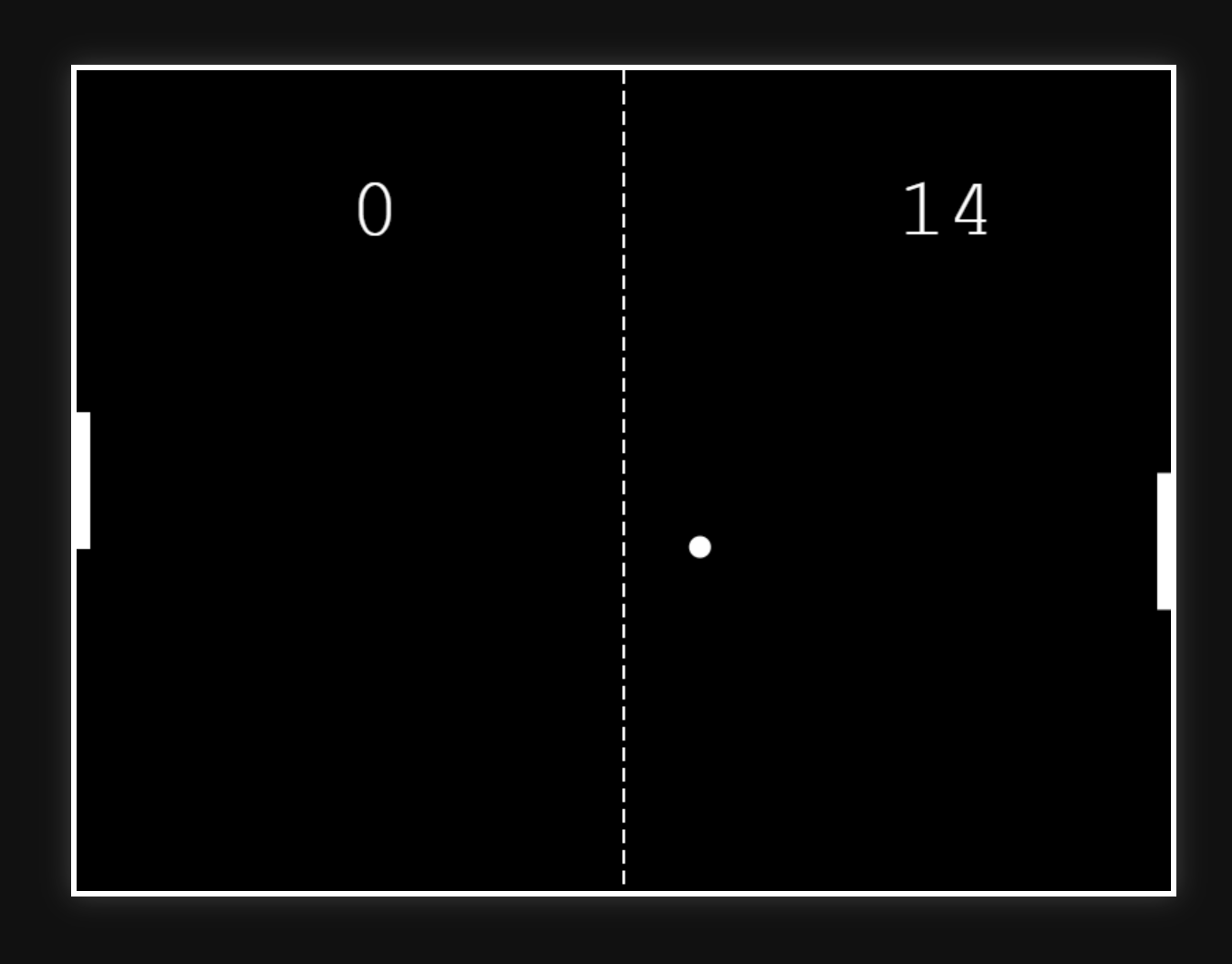
Pong Game – Native DirectX programming in C++
I wrote the classic pong game in a DirectX Frame work. The goal was to learn DirectX. I had to induvidually write the pixels to the screen each frame. It was my first project in C++.
Technology: Python, RGame
Learn more about the Pong Game
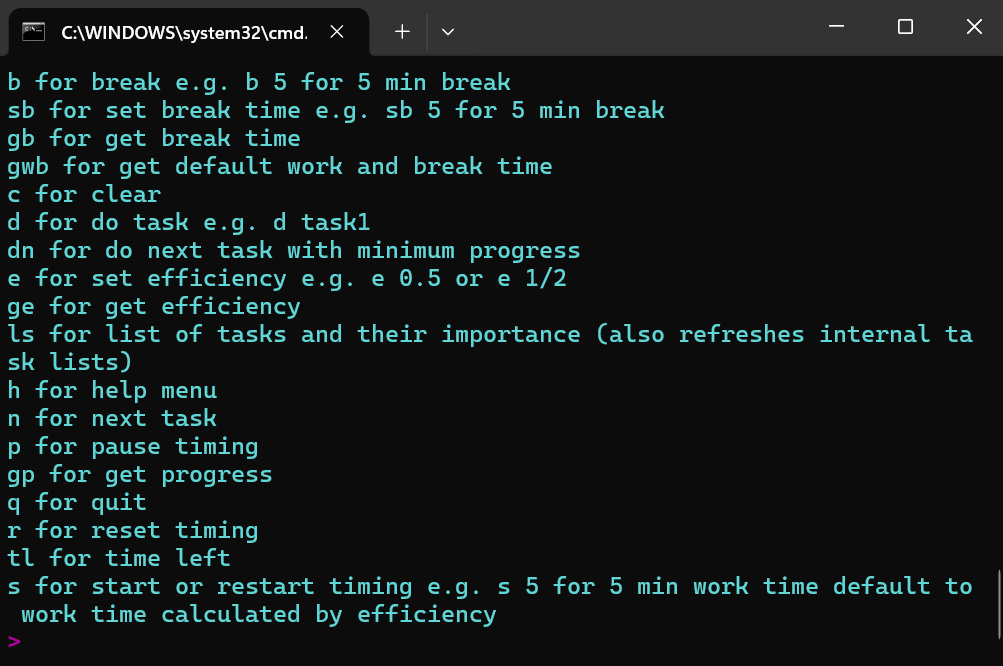
Week planner - with Resource Allocation and Efficiency Metrics
This program allows me to schedule my time. Stores my pending tasks in a file, and allows me just sit down and start working using the promodro technique in scheduled blocks. It includes multiple timing features and allocates slots based on how important tasks are and how much progress I had already made on them
Technology: Python
Learn more about Week planner
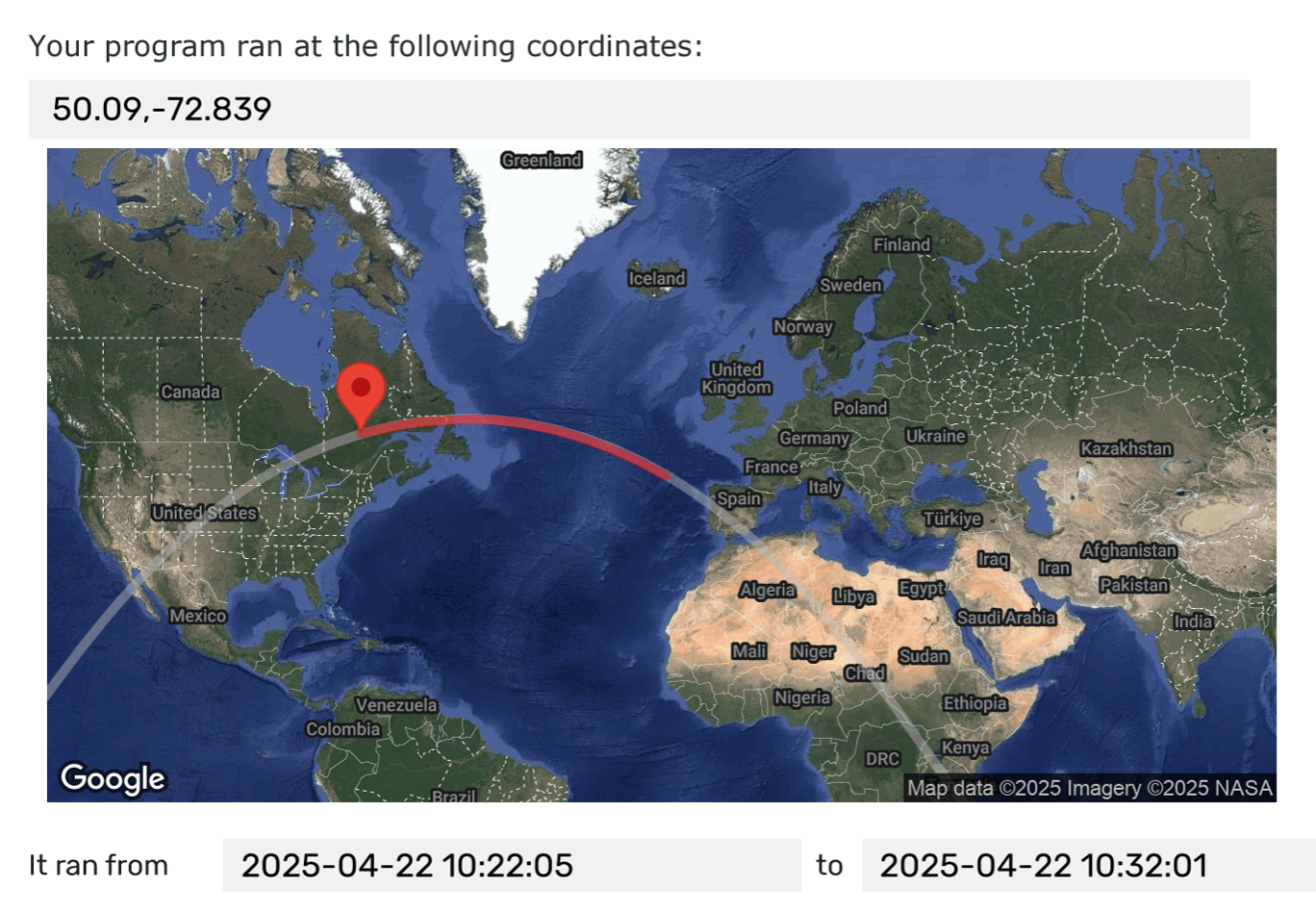
AstroPI - Measuring the speed of the ISS
The European Space Agency (ESA) advertised a competition called AstroPI. The goal of the project was to develop software that can determine the speed of the ISS simply by using the camera feed. This was difficult, because it required trying to accuractely match features on a rapidly changing image. The best candidates were selected and allowed to have their code run on the ISS. By including various techniques to verify that the matches were accurate my software was good enough and has ran on the ISS.
Technology: Adruino, C/C++, Computer Vision
Learn more about the AstroPI project